Customer experience
3 minutes
6 ways to make WhatsApp your most used channel





Your customers are on WhatsApp all day. Yet they still call or email you, simply because they don't know they can message you too. A WhatsApp channel nobody can find gets you nothing.
The good news: you don't need to build a new audience. You just need to make your WhatsApp number visible in the places where customers already look for you. This blog covers six ways to do that, from a QR code on your packaging to ads that open a conversation straight away.
In short
A QR code is the fastest bridge between the physical world and a WhatsApp conversation. The customer points their camera at the code and WhatsApp opens with your business as the contact. No typing in a number, no saving a contact.
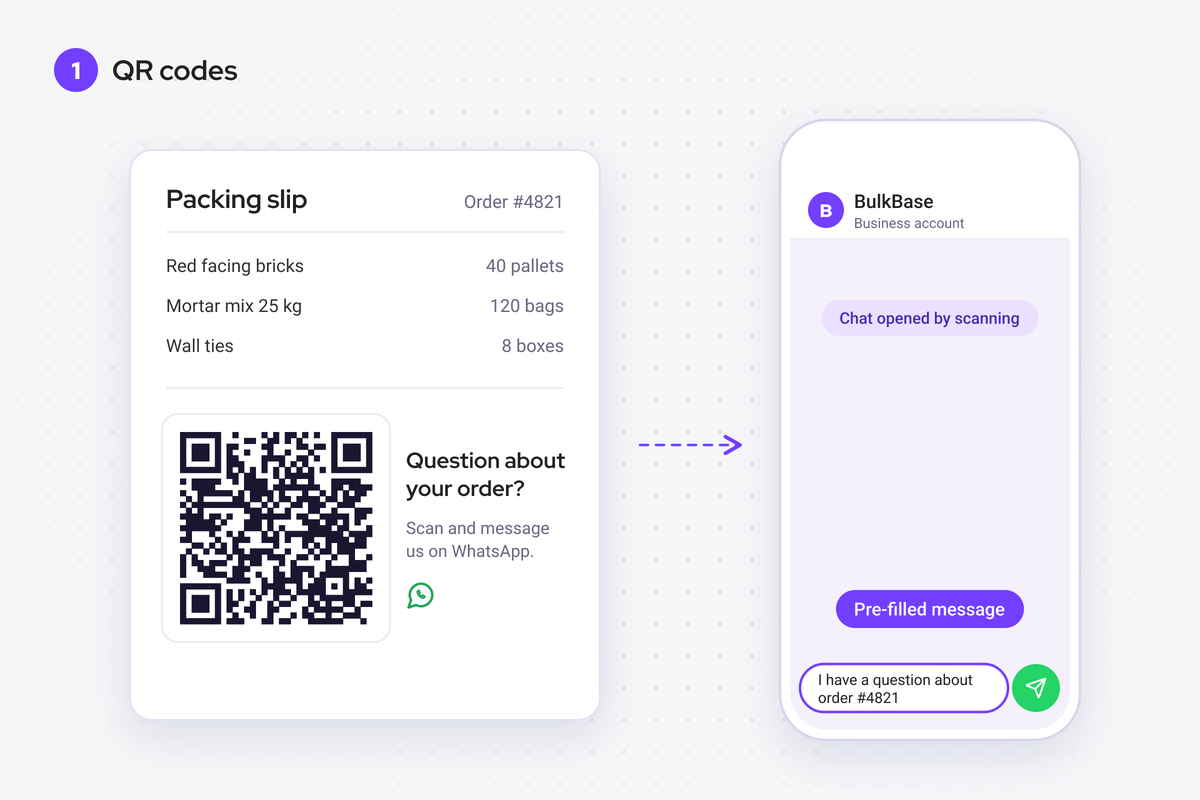
Place the QR code where customers have a question, or soon will:
Tip: add a pre-filled message to your QR code, for example “I have a question about order…”. That way you see right away where the conversation comes from and can route it automatically to the right team.
Create a QR code in seconds with our free WhatsApp link and QR code generator.
A click-to-chat link is a regular URL that opens a WhatsApp conversation with your business. It works on mobile and on WhatsApp Web, so also for customers on a laptop. The structure is simple:
https://wa.me/31201234567?text=I%20have%20a%20question%20about%20my%20order
The number is in international format, without a plus sign or leading zeros. After ?text= you add the message that's ready in the input field.
Because it's a link, you can place it anywhere you can link:
Use a different pre-filled message for each placement. A link on a specific product page starts with “I'm interested in…”, a link in your customer portal with “I have a question about my account”. Saysimple recognizes those keywords and routes the conversation straight to the right team or location. Read more in More leads with a clickable WhatsApp number.

Create your link with the same free generator as your QR code.
A link on your contact page is only found by people who are already looking. A chat widget is ready on every page, usually as a button in the bottom right corner. A visitor with a question about a product clicks it and is in a WhatsApp conversation right away, without leaving your site to look for a contact form.
How to get the most out of your widget:
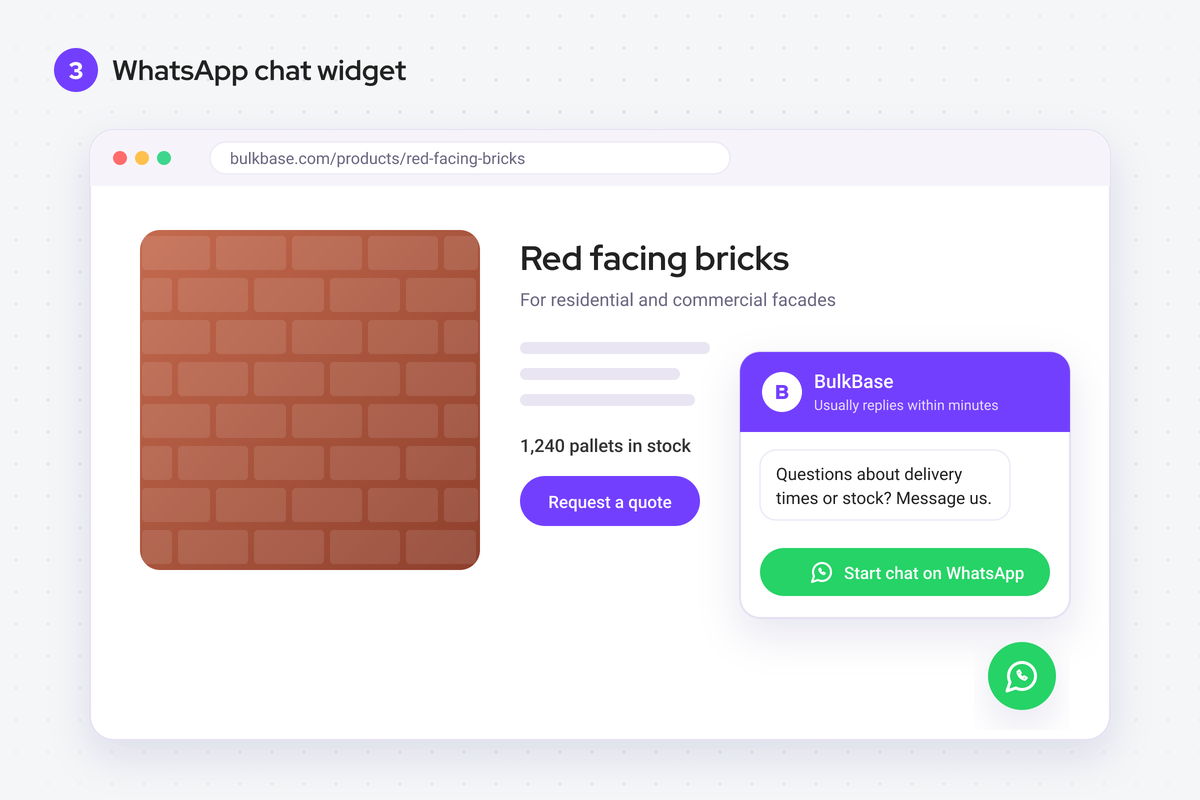
Set this up with the free WhatsApp chat widget generator and copy the code. Paste it on every page of your site and you're done.
Count how many emails your team sends each day: quotes, order confirmations, replies to questions. Every email is a chance to show the customer there's a faster way. A WhatsApp button in your email signature costs nothing and appears under hundreds of emails from day one.

Keep it simple:
That last point matters. If employees use their own numbers, you lose the overview. With one central number, all conversations come together in a shared inbox, where your team can pick them up and hand them over.
“There are 4 callers ahead of you.” Nobody wants to hear that, and your team doesn't want that pressure either. With call deflection, you give callers an alternative in the phone menu: stay on the line, or press a key and get a WhatsApp message right away to handle the question there.
Both sides win:
Organizations that use call deflection cut their phone volume by 30 to 40%. And the customer learns straight away that you can be reached on WhatsApp. Next time, they'll message you directly without calling first.
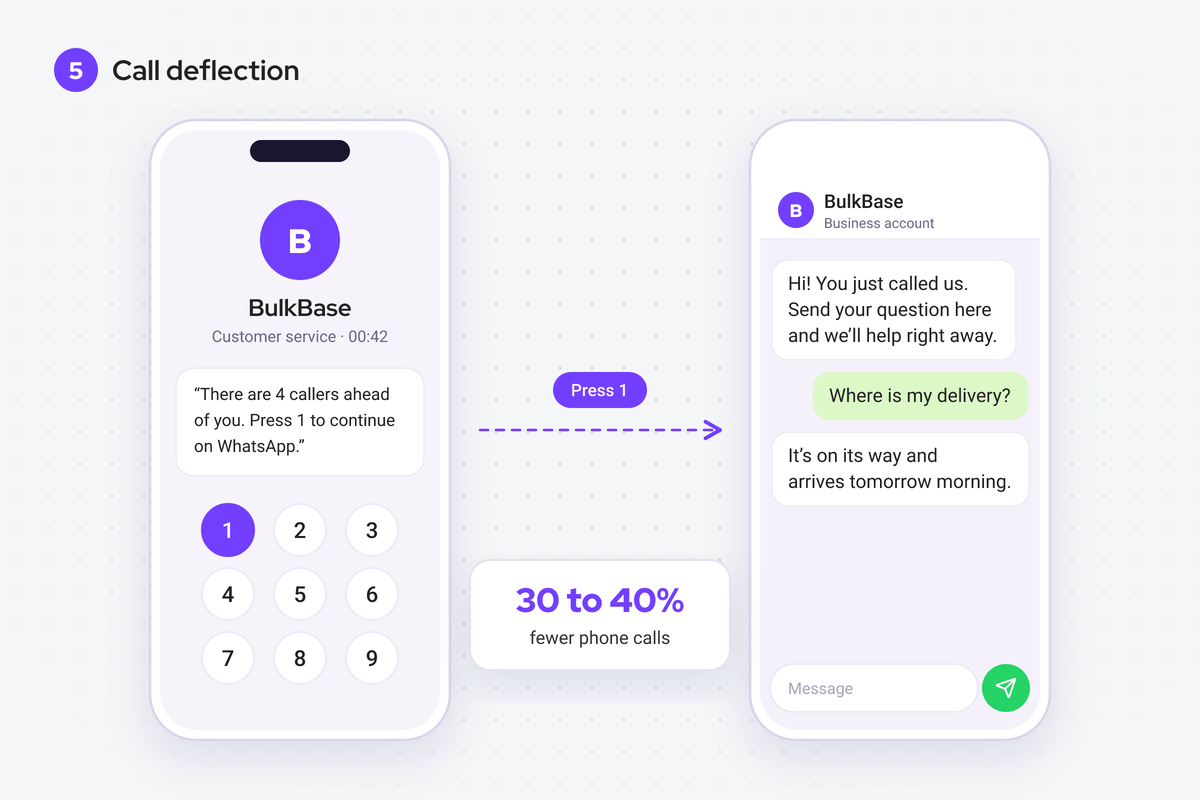
Here's how it works in Saysimple: WhatsApp call deflection.
Most ads send clicks to a landing page, where many people drop off again. A click-to-WhatsApp ad skips that step. The “Send WhatsApp message” button opens a conversation with your business right away, with a pre-filled message that matches the ad.

Why it works:
Set up an automatic first reply in Saysimple that qualifies the question, then route the conversation to sales. That way every click on your ad becomes a conversation your team can follow up on.
The more entry points you open, the more conversations come in. That's exactly the point, but only if your team can keep up. Conversations from a QR code, the widget, an ad or the phone menu don't belong in separate phones.
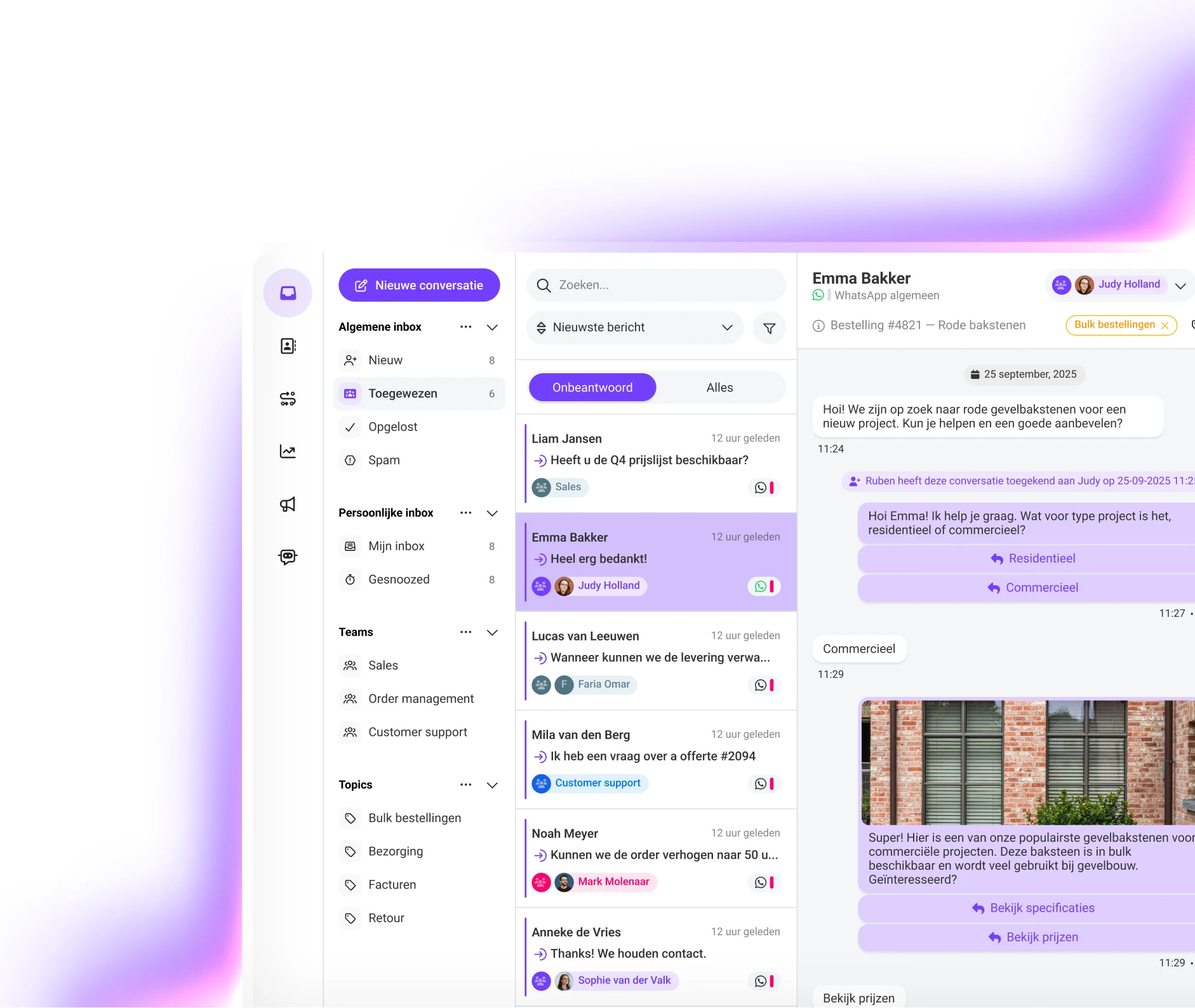
With Saysimple, all WhatsApp conversations come together in one shared omnichannel inbox, alongside Messenger, Instagram and webchat. Smart routing sends every conversation to the right team, and you can see per channel where your customers come from.
Start today with the free link and QR code generator. Want to see how it works for your team? Book a 30-minute demo.
Discover how Saysimple centralizes your customer communication, connects your teams, and automates processes.
Book a demo