


Summary
A WhatsApp Business account is the underlying registration that any business messaging on WhatsApp runs on, whether you manage it through the free app or the official WhatsApp Business Platform via a provider like Saysimple. Setting one up is more than filling in a profile photo and a business name: the category you pick, the phone number you use, and how closely your details match your official business registration all determine how smoothly later steps like verification or adding team members go. This piece walks through what a WhatsApp Business account actually is, how to set one up, and which parts are hardest to fix after the fact.
TL;DR
- A WhatsApp Business account, often called a WABA, is the account tied to a phone number itself, separate from the app or platform you use to manage it.
- There are two paths to getting one: the free WhatsApp Business App for a single person on one phone, or the WhatsApp Business Platform through an approved provider like Saysimple for teams.
- The phone number you use can't already have an active personal WhatsApp account on it; a business landline or a separate mobile number both work.
- Most problems that surface later, at verification or when adding more users, trace back to a business category or name that didn't match the official registration at setup.
Every growing business hits the same moment eventually. WhatsApp already works fine for customer contact, except it's running through one colleague's personal phone, or a spare handset that happens to sit at the front desk. The moment a second or third person needs in, or a customer asks why the sender looks unofficial, it becomes clear there was never a real WhatsApp Business account in the first place, just a workaround that happened to hold up.
Setting up a WhatsApp Business account isn't just uploading a profile photo and calling it done; the choices made on day one decide how easily a team can later add users, apply for verification, or turn on automation. That's reason enough to treat the setup itself seriously, even when it looks like thirty minutes of work on the surface.
This piece covers what a WhatsApp Business account actually is, which path gets you one, how to fill in the business profile, and which setup mistakes cause the most friction down the line.
What a WhatsApp Business Account Actually Is
A WhatsApp Business account, usually shortened to a WABA, is the account tied to one specific phone number, separate from whichever app or platform you use to manage it. The app you download, or the Platform connection a provider like Saysimple sets up, is how you get into that account. The account itself is the registration with Meta that records which business sits behind the number.
That distinction matters because the account, the number, and verification are three separate things that regularly get lumped together. A business can have a valid, working WhatsApp Business account without the official green verification badge, and plenty of businesses do exactly that. The badge is a separate, later step on top of an account that's already set up correctly, not something that gets handed out automatically at setup. Our guide to the green checkmark covers that badge specifically, so this piece stays focused on the account itself.
Free App or Business Platform: Which Path Fits
There are two paths to a WhatsApp Business account. The free WhatsApp Business App is built for a single person on one phone and takes minutes to download and configure. For a solo operator or a genuinely one person team, that's often all that's needed.
The moment more than one person needs to reply, or automation, templates, and system integrations come into play, the WhatsApp Business Platform is the logical next step. That isn't an app to download, it's infrastructure that a Meta approved provider like Saysimple builds a real product on top of, including a shared inbox the whole team can work from.
| Where they differ | Free WhatsApp Business App | WhatsApp Business Platform |
|---|---|---|
| Team size | One person, one phone | A whole team, from a shared inbox |
| Setup | Download and configure in minutes | Set up through a Meta approved provider like Saysimple |
| Automation and templates | Basic away message only | Approved templates, flows, and system integrations |
| Best fit | A genuine solo operator | Any team where more than one person replies |
Setting Up Your Business Profile
Once the account exists, the business profile is what Meta and customers both look at:
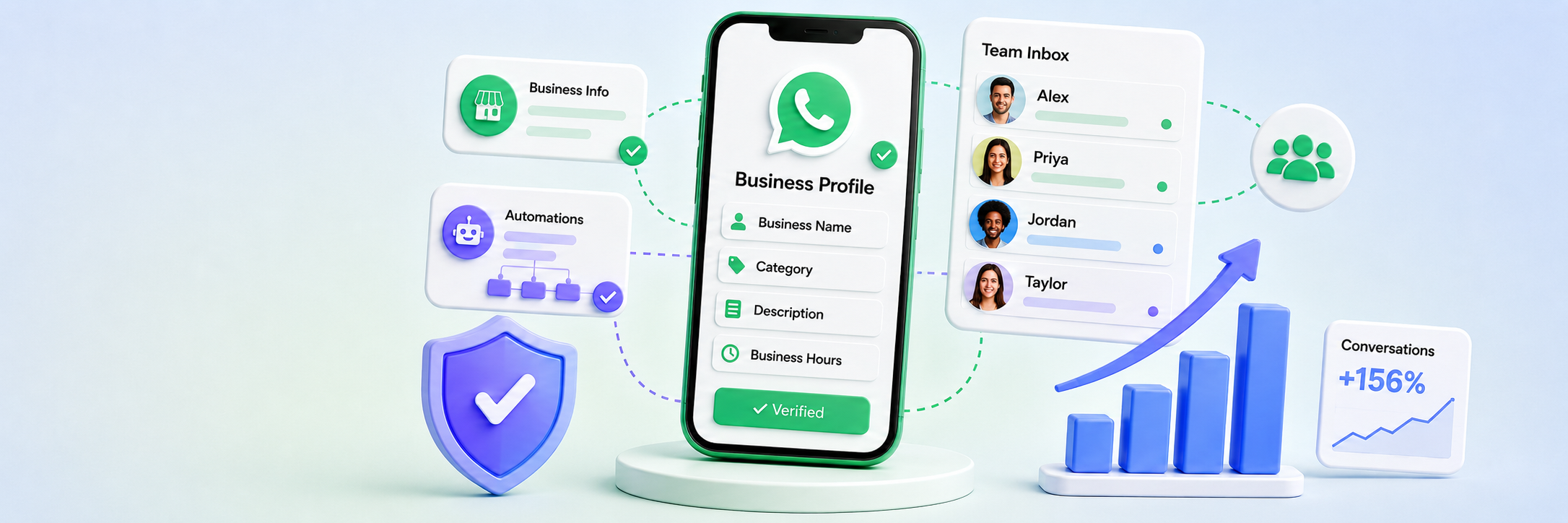
- Business name: needs to match the official registration, not an abbreviation or a stylized brand name that drifts from it.
- Category: the option that genuinely reflects what the business does, not the first one that sounds close enough.
- A short business description, address details, and business hours, so a customer knows what to expect immediately.
- A profile photo or logo that still reads clearly at the small size it shows up at inside a chat window.
These fields look minor, but business name and category are the two that most often cause delays later, whether at a verification review or when expanding to more users.
The Phone Number You'll Actually Use
The number attached to a WhatsApp Business account can't already have an active personal WhatsApp account on it; a colleague's personal number can't just be repurposed without deleting that account first. A dedicated business mobile number works, but so does an existing business landline, something a lot of teams don't realize going in. That keeps a business reachable on the number customers already know, instead of starting over on an unfamiliar one.
What You Need Before You Start
Having these ready in advance beats figuring them out mid setup:
- The official business name and registration details exactly as they appear with the relevant chamber of commerce or local equivalent.
- A phone number with no active personal WhatsApp account on it.
- A decision on category, short description, and business hours, ideally settled before filling anything in.
- A logo or profile photo sized correctly.
- A decision between the free app and the Business Platform, based on how many people actually need access.
Anyone going the Platform route through a provider like Saysimple also needs access to Meta Business Manager, which is where the business itself gets verified, separate from the WhatsApp account.
The Mistake We See Most Often
In our own onboarding, the same pattern shows up repeatedly: a team sets up the account as a formality, picks the first category that sounds close enough and a business name that drifts slightly from the official registration, then moves on to the parts they actually care about, like automation. That works fine right up until verification gets requested or a second location gets added, at which point the category or name needs fixing anyway, with all the delay that brings.
On the Platform, where every new conversation with a customer who hasn't messaged first has to start with a pre-approved template, a correctly filled-in profile also factors into how those templates get reviewed. Our recommendation is straightforward: treat the few minutes the category and name take as seriously as the rest of the setup, because that's the exact part that's hardest to fix after the fact.
Closing thoughts
Setting up a WhatsApp Business account itself doesn't take long, but the fields filled in during that short window decide how much friction shows up later. Start with an account that matches the business's official registration, and everything after it, from automation to a second or third team member, builds on that cleanly.
Not sure whether the free app still covers it, or whether it's time for the Business Platform? See how a shared WhatsApp inbox for multiple users works, check what it costs on our pricing page, or book a demo to walk through your own setup.
Sources
- WhatsApp's Business Messaging Policy, which governs the account, template, and profile requirements this setup process is built around.
- Meta Business Help Center: Verify Your Business in Meta Business Suite, covering the registration details and documents a business needs on the Platform route.



