Add-ons
6 min
How to Forward Calls to WhatsApp During Automotive Service Peaks




When a dealership announces a seasonal tire change campaign, the phones do not ring, they overflow. Everyone who got the WhatsApp reminder calls back within the same two weeks, and a contact centre sized for a normal Tuesday cannot keep up. This article shows how to forward those calls to WhatsApp instead of leaving customers on hold, and what a working setup actually requires.
Forwarding calls to WhatsApp during high volume periods, such as a seasonal service campaign, means the IVR offers WhatsApp as an alternative to the phone queue instead of adding another overflow group. One agent can then run four to six WhatsApp conversations in the time a single phone call takes. Setting this up takes an IVR update, a connected WhatsApp Business number, and one approved template message, not a platform migration.
A car dealer proactively messages customers on WhatsApp about the ideal moment for their tire change. That works, response rates are high, and owners start calling the dealership in the following weeks to book an appointment. The problem shows up fast: the contact centre cannot handle the volume, overflow groups fill up too, and callback requests pile up faster than agents can work through them.
Customers who do get called back are often unreachable, so they try again later, and the backlog has not moved. The phone keeps ringing, some owners take their car to an independent garage instead, and the campaign that was meant to fill the schedule ends up straining it.
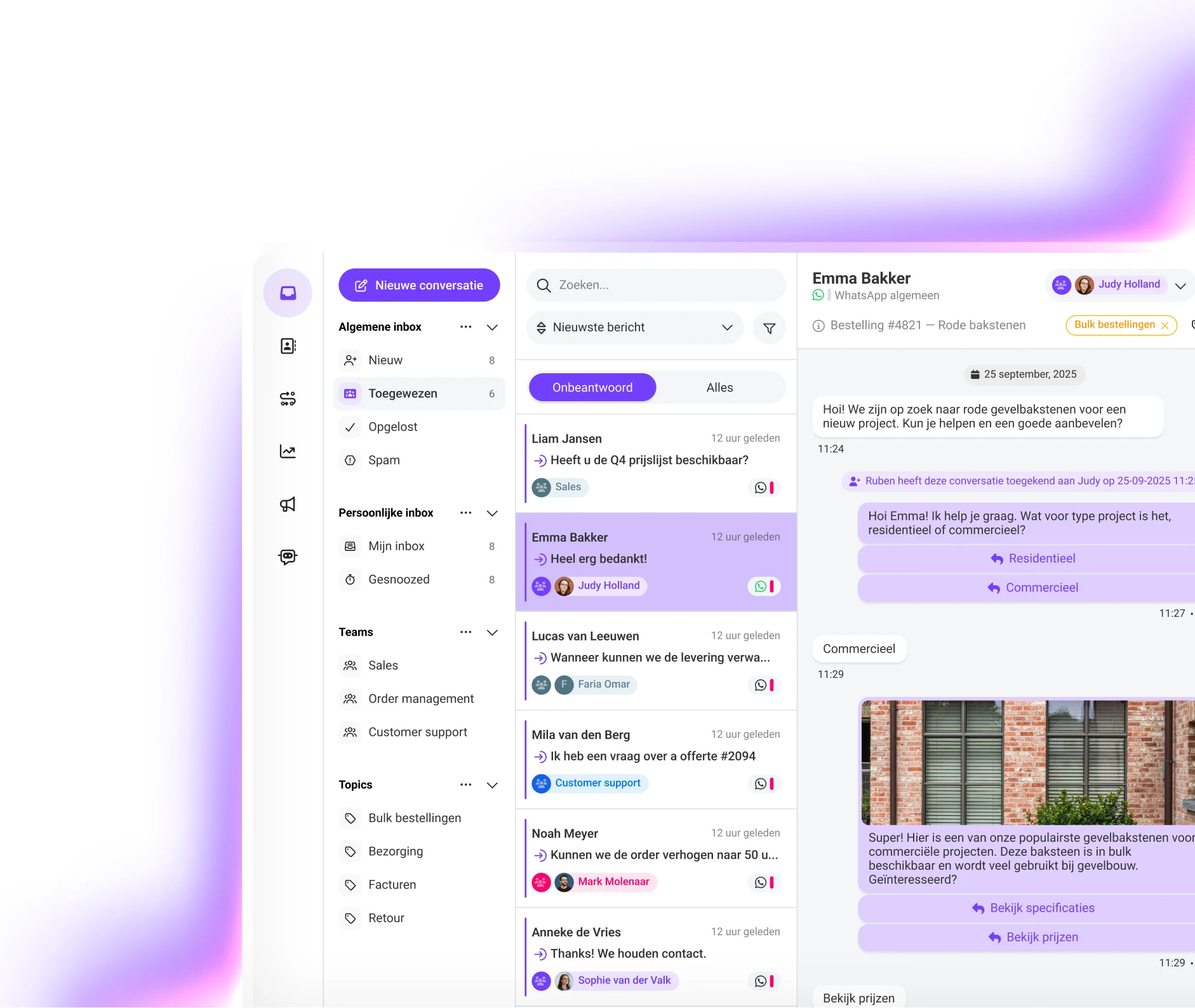
The mechanics are close to what our guide to forwarding calls to WhatsApp covers in more depth: the IVR welcome message offers a WhatsApp option, and choosing it triggers an automated template message that opens the conversation right away. No one sits in a queue waiting for a human to pick up first.
For automotive specifically, this matters because WhatsApp is asynchronous. A service advisor can hold four to six conversations at once instead of one phone call, which is what actually absorbs a tire change campaign's peak instead of just moving the wait somewhere else.
None of this requires ripping out your phone system. A working setup needs:
| Situation | Phone only queue | Calls forwarded to WhatsApp |
|---|---|---|
| Peak response time | Grows with every missed callback attempt | Stays close to normal, agents run several chats at once |
| Agent capacity per hour | One conversation at a time | Four to six conversations at a time |
| Customer experience | Hold music, repeat callbacks | Message once, reply when the agent is free |
| Follow up after the fix | No record beyond a call log | WhatsApp thread the team can reference for the next visit |
Once the basic flow is live, most dealerships extend it beyond the initial tire change reminder. A common pattern: send the proactive offer on WhatsApp, let the reply go straight into an existing conversation instead of a new call, then use the same thread for the appointment reminder, a photo of the extra repair that needs approval, and the notification that the car is ready for pickup. The automotive customer contact page walks through a few more of these in detail.
A tire change campaign will keep creating the same peak twice a year regardless of how well the contact centre is staffed. Forwarding calls to WhatsApp does not remove that peak, it changes what happens when it hits: instead of a queue that grows past what anyone can clear, customers get a message thread that an agent can pick up between other conversations. For a deeper look at why customers actually prefer this over holding on the phone, see our piece on the business case for moving phone calls to WhatsApp.
Curious what forwarding calls to WhatsApp would look like for your service team? We can connect your business to WhatsApp within a week and help you set up the IVR flow and template message that fit your peak periods. Get in touch for a free demo, or see our automotive page for more detail on the use cases above.
Discover how Saysimple centralizes your customer communication, connects your teams, and automates processes.
Book a demo