WhatsApp Business
8 min
The ultimate guide to WhatsApp Broadcasting





WhatsApp Broadcasting is a great tool for businesses looking to reach large numbers of customers without sending thousands of individual messages. In this article, we’re giving you the ultimate no-nonsense guide to WhatsApp Broadcasting!
Have you ever gotten a WhatsApp message like those old email chains that say “Send this message to 6 people and you will have good fortune for 6 years!”? Those messages are sent using broadcasting.
Keeping with the email example, using WhatsApp Broadcast is a bit like sending an email with the recipients in BCC. You, the WhatsApp user, send a message to a number of recipients in a single click, and none of the recipients can see who else has received the broadcast message! Broadcast messaging is a great way to send special offers, product launches and updates, delivery statuses and more.
Broadcast (verb): transmit information and/or announcements from a sender to a large number of recipients.
There are two versions of WhatsApp Business that you can use to broadcast WhatsApp messages to multiple recipients at once:
But, as these things go, only one of them is truly effective if you want to use WhatsApp Broadcasting as a marketing and customer engagement tool for your business.
Eager to know which version of WhatsApp Business it is? Let’s dive into WhatsApp Broadcasting in more detail and find out!
The WhatsApp Business App is a great addition to a small business’ marketing efforts. It’s easy to use and has functionality like quick replies and, you guessed it, broadcast messaging.
All you have to do is create a WhatsApp broadcast list in the WhatsApp Business App, and you’re ready to reach your audience with a single message.
Starting a WhatsApp broadcast message is quite simple. From the main Chats window, tap Broadcast Lists in the upper left-hand corner. From there, create a new list by tapping New List at the bottom of the screen. Easy peasy!
But beware! Like Winston Churchill said, with great power comes great… sacrifice (okay, we edited it a bit, but you get the idea). While the WhatsApp Business App can be a great addition to your small business, it does have some limitations when it comes to broadcast messaging.
Sure, all it takes is a couple of clicks and some swift typing to send a broadcast message with the WhatsApp Business App. But is that enough to sustain and grow your business? For a mom-and-pop shop, it might do the trick. For many businesses, though, the limitations make the WhatsApp Business App unsuitable. These limitations include:
These limitations are clear reasons why the WhatsApp Business App is better suited to freelancers and small businesses that simply want to establish themselves with their local audience.
Medium and large businesses have large customer bases with multiple segments, established customer service teams of 3 or more people, and a need to track and analyze all their outgoing messages. They won’t get very far with the limitations of the WhatsApp Business App.
It really depends on your business’ needs. Let’s take Gary’s Pens, a (fictional) local stationery store with 100 to 200 regular customers.
Most likely, Gary knows many of his customers and is even on a first-name basis with them.
Gary can make the most of WhatsApp broadcast lists in his WhatsApp Business App, because his customers are highly likely to have Gary’s Pens saved as a contact and will receive his broadcast messages.
However, Gary’s competitor PaperClips, a (fictional) nationally franchised office store with thousands of customers across the country, will probably have concluded that WhatsApp Broadcasting with the free WhatsApp Business App just doesn’t cut it for its marketing and customer engagement needs.
Not to worry: for medium and large businesses like PaperClips, there is a solution in the WhatsApp Business API!
The WhatsApp API launched in 2018 with the sole purpose of helping medium and large businesses communicate with their customer base on WhatsApp. With the help of third-party integrations, the API has revolutionized the way businesses communicate with their customers at scale.
The WhatsApp Business API expands the possibilities for businesses. With it, you can:
Although Meta has launched the WhatsApp Business Cloud API, working with a certified WhatsApp Business Partner like Saysimple is still a viable and valuable decision. Why? Getting verified can be a hassle! We match you with a Customer Success Manager (CSM) who onboards you and guides you through the process of getting set up (and verified!). Your CSM is on your team, making sure you get off to a flying start.
Once you’ve met the criteria for a verified WhatsApp Business account, you’re ready to dive into the types of messages you can send with WhatsApp Business broadcasting, and the role that quality rating and messaging limits play.
Get started with WhatsApp Business and request a demo ›
The WhatsApp Business API enables your business to have an official business account, including a little green tick that signals your credibility to your customers.
The process requires official documentation, such as an invoice that includes your company name and registered address. An approved application means your presence on WhatsApp is verified: your business name will show instead of your number, and you’ll get that elusive green tick beside it!
But verification isn’t the only benefit of the WhatsApp Business API. It also provides:
WhatsApp Business templates are standardized, reusable messages you can use to reach your customers. Of the three types of message templates, you can use text and media templates when sending broadcast messages.
More on WhatsApp template messages ›
A message template is essentially a semi-automated message that you have created and saved, which provides personalized information to a customer. A message template can contain a maximum of 4,096 characters and can include text, emoji, media files and/or WhatsApp-specific formatting.
Numbered placeholders, written as {{x}}, are used to personalize the message template. The information that replaces a placeholder can contain letters, digits, special characters and spaces.

To make sure businesses use the WhatsApp Business API correctly, Meta has introduced messaging limits and quality ratings. These two factors become very important when sending WhatsApp broadcast messages.
To set limits and ratings, Meta differentiates between business-initiated and customer-initiated conversations. As their names imply, a customer-initiated conversation is started by a customer and a business-initiated conversation is started by a business. A WhatsApp broadcast message falls under business-initiated conversations.
Basically, quality rating and messaging limits ensure that WhatsApp keeps its image as a personal messaging channel, and that businesses don’t use WhatsApp to send spam. Messaging limits require businesses to grow their messaging capacity gradually and organically, including the reach of broadcast messages. Quality ratings are based on the feedback recipients give on your messages: users can flag your messages as spam and lower your quality rating.
More on WhatsApp Business messaging limits and quality rating ›
So far, we’ve defined broadcast messaging, the difference between WhatsApp Broadcasting with the WhatsApp Business App and the API, and the factors involved in successfully sending broadcast messages with the WhatsApp Business API.
Now it’s time to get practical!
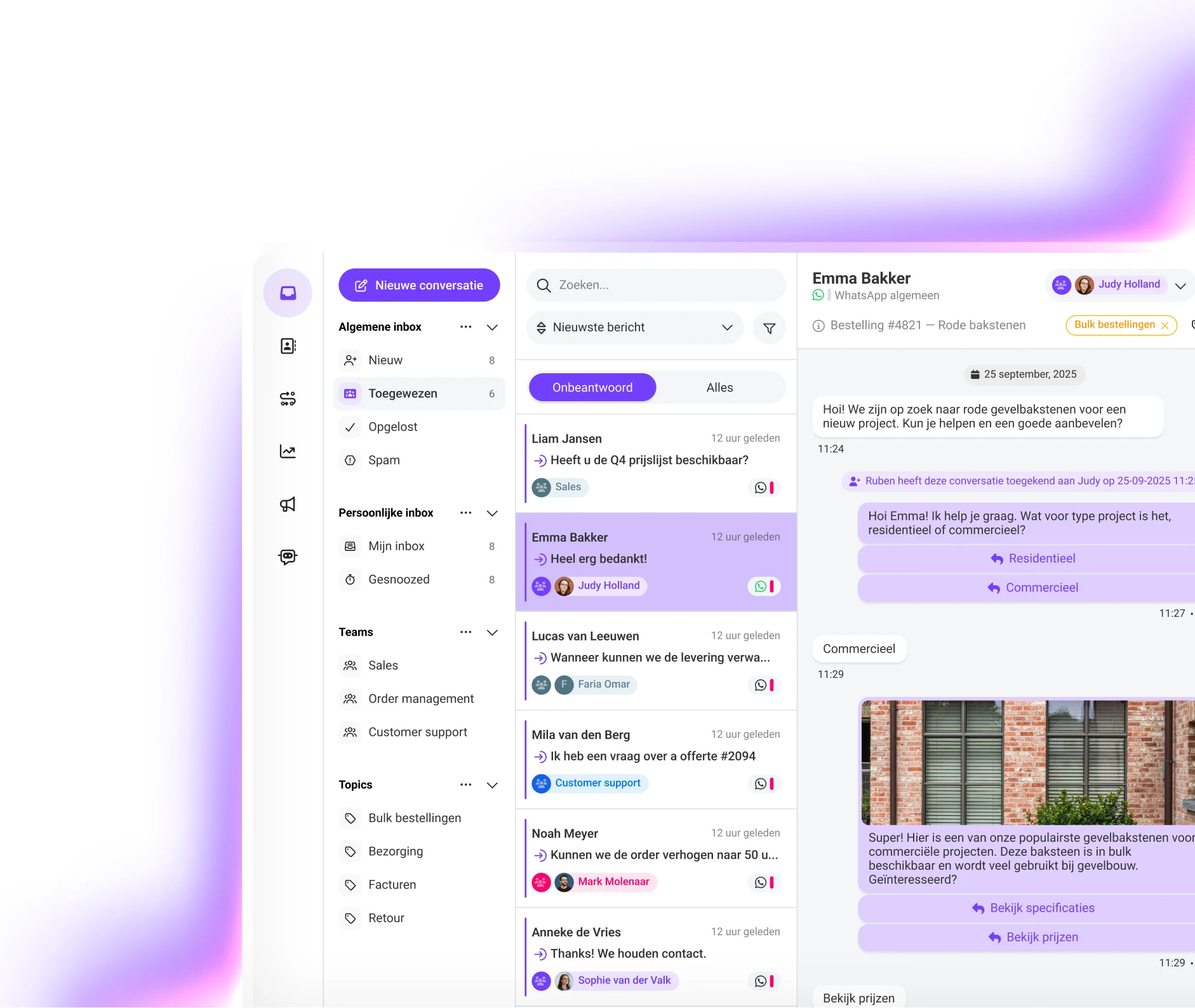
Saysimple has developed a customer communication platform that lets you engage with your customers through multiple messaging channels, including WhatsApp, Facebook Messenger, live chat and email. The multichannel inbox allows customer service teams with multiple users to work from a single platform.

With Saysimple Engage you can create WhatsApp campaigns and send approved WhatsApp template messages to a list of contacts in 5 simple steps:
Discover how Saysimple centralizes your customer communication, connects your teams, and automates processes.
Book a demo